I Almost Got Scammed at a Job in Burnside Yesterday — Here’s Exactly How the “NordVPN Remote-Access” Scam Works
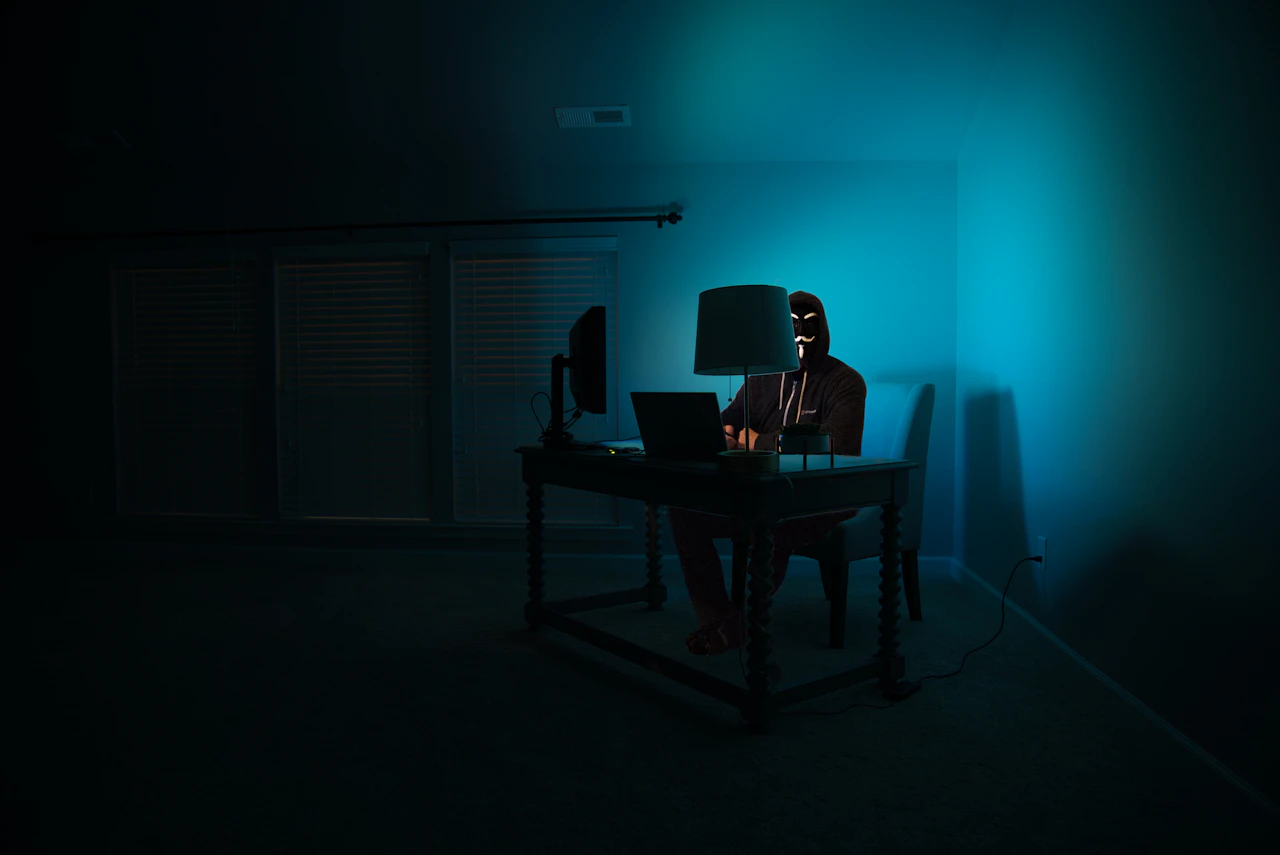
I was on a job in Burnside yesterday afternoon — quiet street, customer’s spare bedroom, head down in a laptop. Phone rings. Sydney number, +61 2 area code, no caller ID name. I picked up because I’m an IT business and half my callers withhold their number.
The woman on the other end was polite, calm, and unhurried — older voice, light accent, said she was “calling from the security team” about “some suspicious activity that’s been logged against your network in Adelaide.”
Within four minutes she had me one button away from giving her remote control of my laptop. The end-game was going to be a fraudulent NordVPN subscription on my credit card.
I run Tech Emergency. I know every scam playbook. I should have hung up at sentence two. I almost didn’t. That’s how good this version is right now.
If you’re an Adelaide resident reading this — especially if you’re over 50, run a small business, or have parents who do — you need to read this whole post. This particular scam has reached Adelaide and it’s catching people every single day.
The exact script she used
I’ll reconstruct it as close to verbatim as I can remember. Notice how every line is designed to do one specific thing.
“Good afternoon sir, this is Sarah from the security team. I’m calling because we’ve detected some unusual activity on the network linked to your Adelaide address. Are you the primary user of the home internet there?”
The first hook. No company name — just “the security team”. Your brain auto-fills the gap with “probably Telstra, probably Optus, probably the NBN”. That ambiguity is deliberate.
“Don’t worry, you’re not in any trouble — but we’ve traced multiple unauthorised login attempts coming through your IP address overnight. To another country. It looks like someone may be using your connection without your knowledge.”
The fear-injection. Notice it’s specific (“overnight”, “another country”) but unverifiable, and it casts you as the victim, not the suspect. That triggers cooperation instead of suspicion.
“What we’ll need to do is just verify your connection from your end. Are you in front of a Windows computer right now? Or a Mac is fine too.”
The pivot. Watch the language: “just verify”, “or a Mac is fine too” — friendly, accommodating, no pressure. She has no idea what device you’re on, but she’s about to tell you exactly which keys to press regardless.
“Perfect. What I’d like you to do is just press the Windows key on your keyboard, the one with the little flag, and the letter R at the same time. Just press it once, then let go.”
Win + R opens the Run dialog box. This is the moment the scam goes live. Every variant of this scam funnels into Win+R because it bypasses every protection you have.
“Now just type in C-M-D and press Enter.”
Command Prompt opens. The next line was going to be a one-line command that pulls AnyDesk, TeamViewer, or UltraViewer down from a URL she’d have me type — giving her live remote control of my screen, keyboard and mouse.
I never let her get to that line. I asked her, “What company are you calling from, exactly?” and her tone shifted — just slightly — to faux-helpful: “I’m calling from your internet security provider, sir. Should we continue?” That’s when I told her I knew what she was doing and hung up.
What was supposed to happen next
This is the bit most articles about phone scams skip — they tell you to hang up but they don’t tell you what you avoided. Here’s the full pipeline this scam runs through, based on dozens of Adelaide cases we’ve cleaned up:
Phase 1 — Get a remote-access app onto your machine (60 seconds)
Once Command Prompt is open, the scammer talks you through a one-line command that downloads and silently installs AnyDesk, UltraViewer, TeamViewer Quick Support, or similar. These are legitimate, signed remote-access apps — your antivirus won’t flag them.
Within a minute, your screen is being driven by someone in a call centre offshore. You’ll see the cursor moving on its own. That’s the moment most victims realise something’s wrong, but the scammer is already deep in the next phase.
Phase 2 — Show you “evidence” of the breach
This is the part Adelaide victims describe most often when they ring us afterwards. The scammer opens Event Viewer (every Windows PC has thousands of harmless “errors” logged) and points at the red icons — *“See these? Each one of these is a foreign log-in attempt. You’ve been compromised for weeks.”*
It’s not. It’s a perfectly normal Windows event log. But unless you’re an IT tech, you have no way of knowing that. The fear builds.
Phase 3 — Sell you the “fix”
This is where the NordVPN angle came in for my call. The scammer would’ve told me:
“The good news is, our security partner offers a protection package that will encrypt your connection and block these attempts. It’s a 12-month NordVPN subscription bundled with our enterprise firewall — normally $450, but because we’ve identified this on your account today, the team has authorised a one-time fix of $189.”
Yes — real NordVPN. The scammers actually buy real subscriptions to add a layer of plausibility. NordVPN itself isn’t involved (they have anti-fraud teams chasing this stuff), but the scammers exploit the brand recognition and the affiliate-revenue model. You pay $189 by card, they get a legitimate $40 NordVPN subscription, the scammer pockets the difference, and the receipt that arrives in your inbox actually *says NordVPN on it* — which is what stops most victims from disputing the charge.
Phase 4 — The actual payday
While you’re entering your card details on a fake checkout page they’ve loaded on your own machine, the scammer is also:
- Reading every saved password in your browser
- Checking your bank balance in any open tab
- Installing a persistent backdoor so they can come back later
- Sometimes initiating a second “refund” scam 6–8 weeks later (“there was an error on your charge, we need to refund you $189 but it has to go via gift cards…”)
The card charge isn’t even the main prize anymore. It’s often the appetiser before a much bigger second-stage scam.
Why this version is so dangerous right now
I’ve been around scam calls for years. This one was different in three specific ways:
- No urgency. Older scams shouted at you. This one was calm — “take your time”, “no pressure”, “happy to wait”. Calm scammers are believed more often.
- An Australian-presenting number and accent. The +61 2 (Sydney) caller-ID and the unaccented, professional voice broke the “Indian call centre” mental model most Australians use to spot scams. Some of these calls now route through Australian VoIP numbers explicitly because the demographic they target won’t pick up an overseas number.
- A real, mainstream brand as the close. Older variants tried to sell you “Microsoft Security Premium” — a fake product. This one closes on a real product you’ve probably heard of (NordVPN, ExpressVPN, McAfee) because that lowers your final hesitation. “Oh, NordVPN — I’ve seen the YouTube ads for that one.”
The seven absolute red flags
Save this. Forward it to your parents. Print it. Stick it next to the phone.
- “Unauthorised activity on your network/account/IP” — no legitimate company opens with that line on an outbound call.
- “Press Windows key + R” or “Press Command + Space” — no legitimate support call ever asks you to open a system dialog you wouldn’t normally use.
- “Type CMD” or “Type Terminal” — same. Hang up immediately.
- “Just go to AnyDesk.com / TeamViewer.com / UltraViewer.com” — they’re trying to install remote access. Hang up.
- They can’t name the company on the first ask — “the security team”, “your internet provider”, “the cyber team”. Legitimate companies always identify themselves up-front.
- They want to sell you something at the end — even if it’s a real product brand you’ve heard of.
- They ask you to stay on the line while they walk you through “the fix”. Real support says “ring us back on our public number” the moment they need access to your systems.
If you hit even one of these, hang up. You will not be rude. The person on the other end will not be insulted. They are running this script 200 times a day. You owe them nothing.
What to do if you think you already fell for it
If you’ve already given remote access or your card details — don’t panic, but move quickly. In order:
- Power down the device (hold the power button if you have to). This kicks them off your screen immediately.
- Ring your bank (use the number on the back of the actual card, not anything from your phone’s recent calls). Cancel the card. Ask for a chargeback on any transaction in the last 24 hours.
- Ring us on 1800 836 390 for a clean-up. We’ll come on-site, remove the remote-access software, scan for backdoors, check for persistent malware, change all your important passwords from a known-clean device, and tell you straight what looks compromised.
- Report it to Scamwatch and ReportCyber — it’s a 5-minute form and the data feeds law-enforcement actually look at.
- Watch your accounts for the next 60–90 days for the “refund” second-stage scam.
We do not charge a callout for ringing us about this. If you’re unsure whether you fell for it or not, ring us — we’ll triage over the phone for free and tell you honestly whether a visit is needed.
Why I’m writing this
Because I almost fell for it. And if I almost fell for it — sitting at a customer’s desk in Burnside, knowing every step of every scam playbook — then a 72-year-old in Henley Beach or a busy small business owner in Mile End absolutely will too. And many of them already have.
Every week I clean up the aftermath of these calls in Adelaide homes and offices. Lost photos because they wiped the wrong drive trying to clean up. Real money — $189 here, $400 there, sometimes $2,000+ if the second-stage refund scam landed. Embarrassed customers who wouldn’t tell anyone else they got caught. Adult children ringing us in tears because Dad won’t admit what happened.
The single biggest lever you can pull is knowing the script before they call you. Read this. Forward it. Print it. Stick it next to the phone.
Related Adelaide scam-protection posts
- How to spot a scam call in Adelaide — 2025 edition
- Locked out of your Apple ID? The Semaphore-job fix — the fake “Apple Support” scam works the same way
- Do you actually need a VPN? — the honest version, including why scammers love the VPN industry
Got a call you’re not sure about?
Don’t engage. Hang up. Ring us on 1800 836 390 if you want a second opinion — we’ll listen, tell you straight if it was legitimate, and you don’t pay a cent for the phone call.
If they’re already on the phone with you while you’re reading this and you’re not sure: hang up. You can always ring back if it turns out to be real. You can’t un-give remote access once you’ve given it.
Stay safe out there, Adelaide. They’re getting better, and they’re calling us locally now.
More from the field.



We do this on-site across Adelaide.
Free over-the-phone triage. Police-checked technician.
1800 836 390